Track the unit that matters
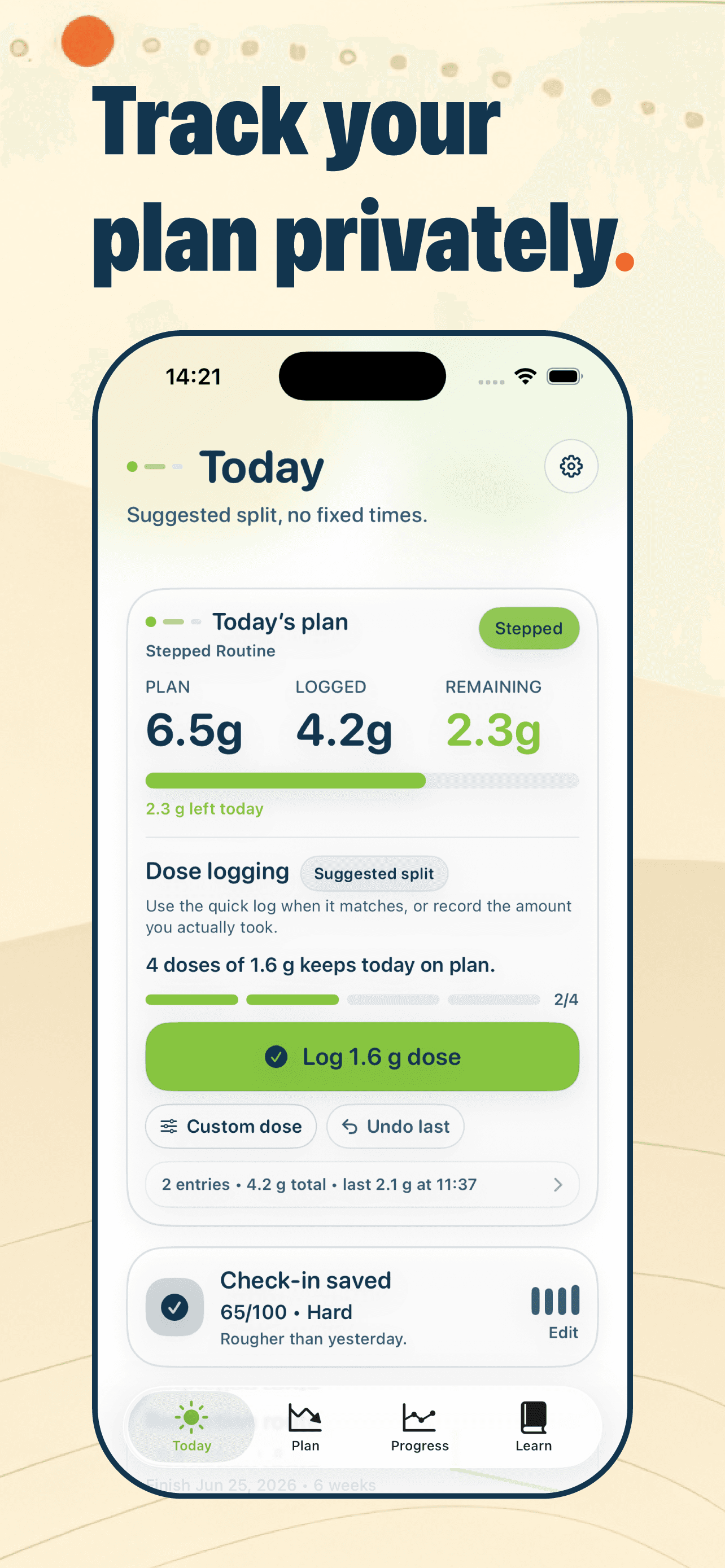
For plain powder, grams are the clearest unit Kratom Cut can honestly track. The app is designed around that unit so daily dose logs, taper targets, and history all speak the same language.
Kratom dose tracker
A taper is only as clear as the dose record behind it. Kratom Cut gives powder users a simple place to log grams and understand the day.
Android coming soon
Inside the workflow
For plain powder, grams are the clearest unit Kratom Cut can honestly track. The app is designed around that unit so daily dose logs, taper targets, and history all speak the same language.
Dose tracking is sensitive. Kratom Cut keeps logs, plans, reminders, check-ins, and settings on the device instead of asking users to create an account or upload tracking data.
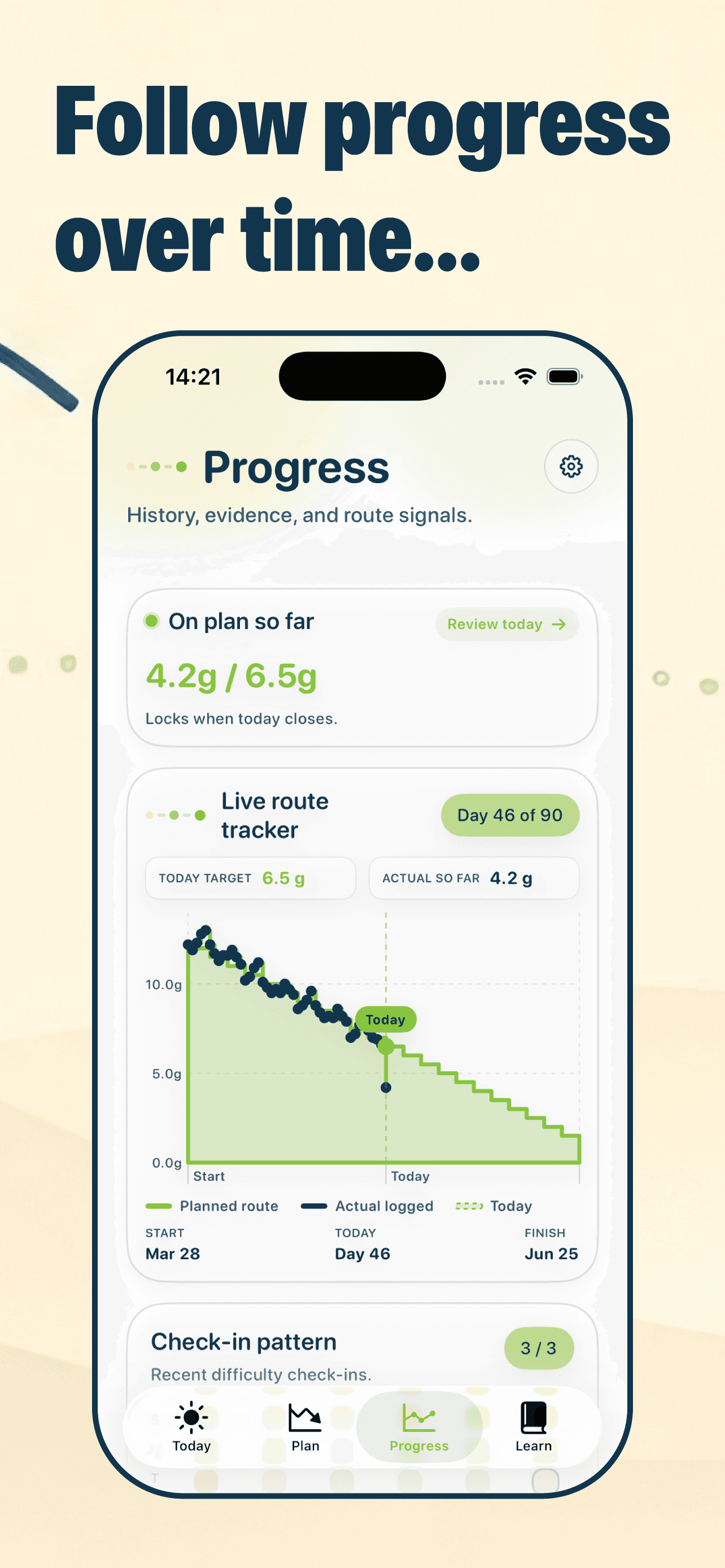
The goal is not judgment. The goal is to see what happened: target versus actual, days that went off plan, and the trend over time.
Common questions
Kratom Cut is designed for weighed powder. Capsule counts hide fill weight and product composition, so the app does not treat capsules as a supported unit.
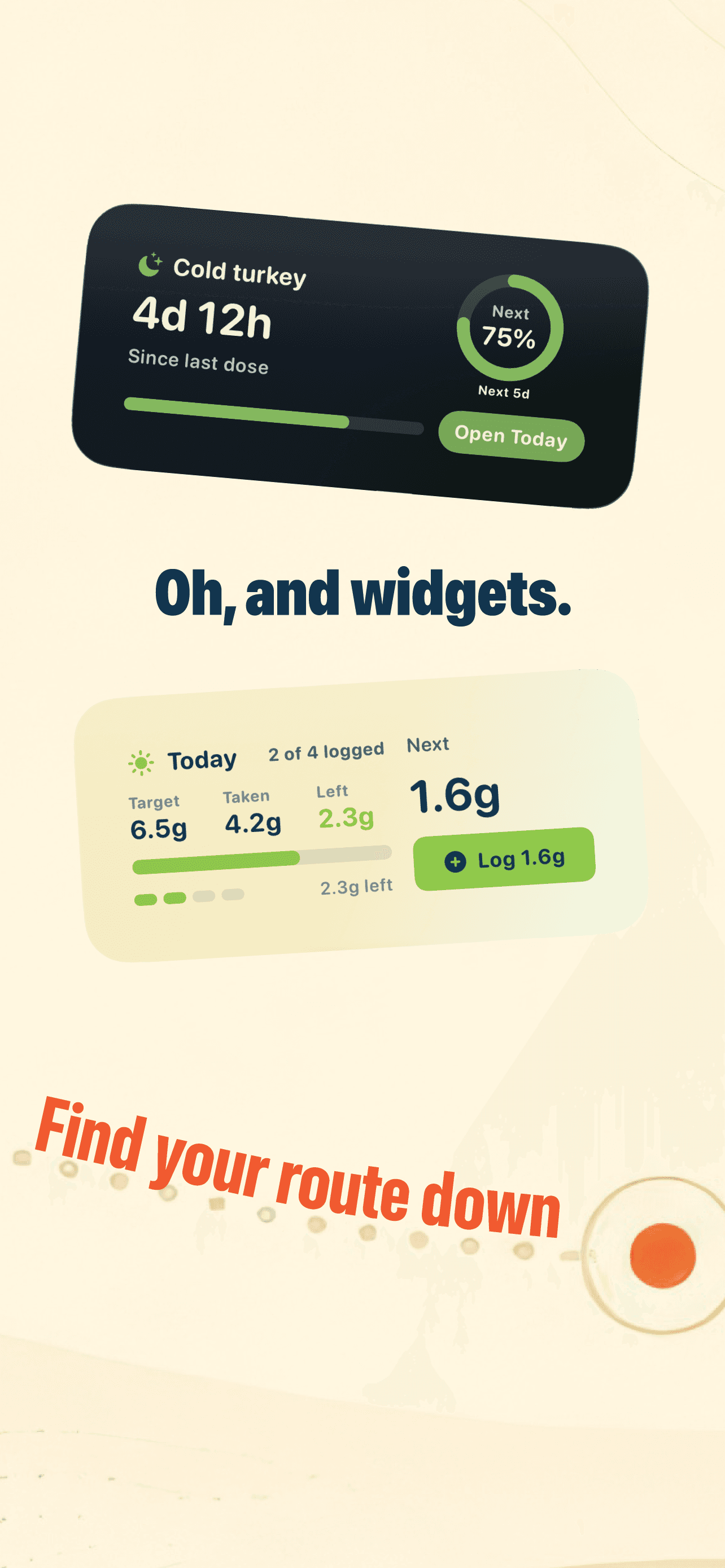
Yes. Users can observe baseline use before making changes, then decide whether to taper or track cold turkey time.
No. Tracking data stays local to the iPhone unless the user chooses to delete it.
Related reading
What it is, why dose changes the experience, and why consistency matters when you are trying to taper.
How the same daily target can feel different depending on how the day is built.
Why changing powders during a taper can make the data harder to read.